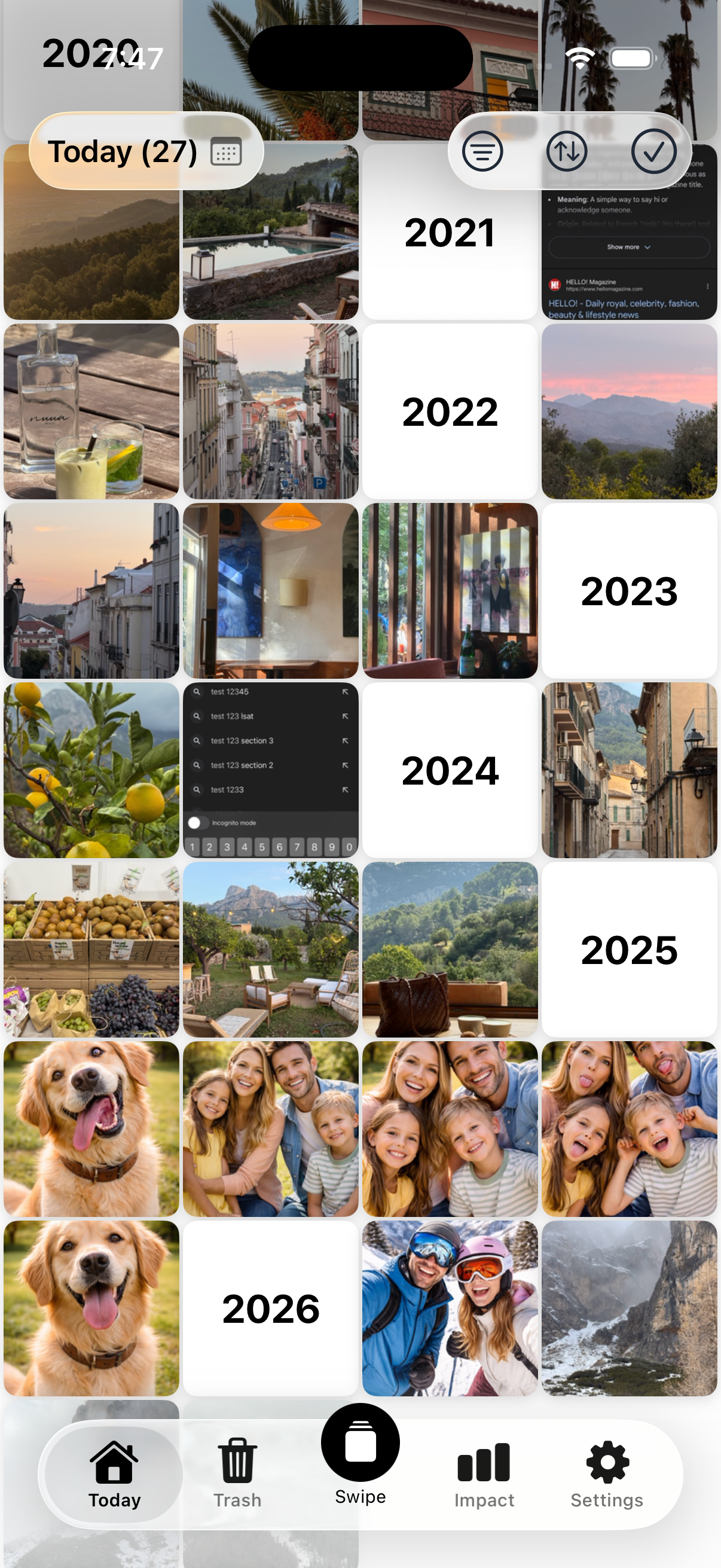
Daily Sessions
The Best Free Photo Cleanup App — No Subscription
Clean your photos a little every day. Swipe through old photos one day at a time — right to keep, left to delete. Free forever, no subscription, no login, no cloud uploads.
Swipe through old photos, keep the memories that matter, and free up space — all in under a minute.
Daily Sessions
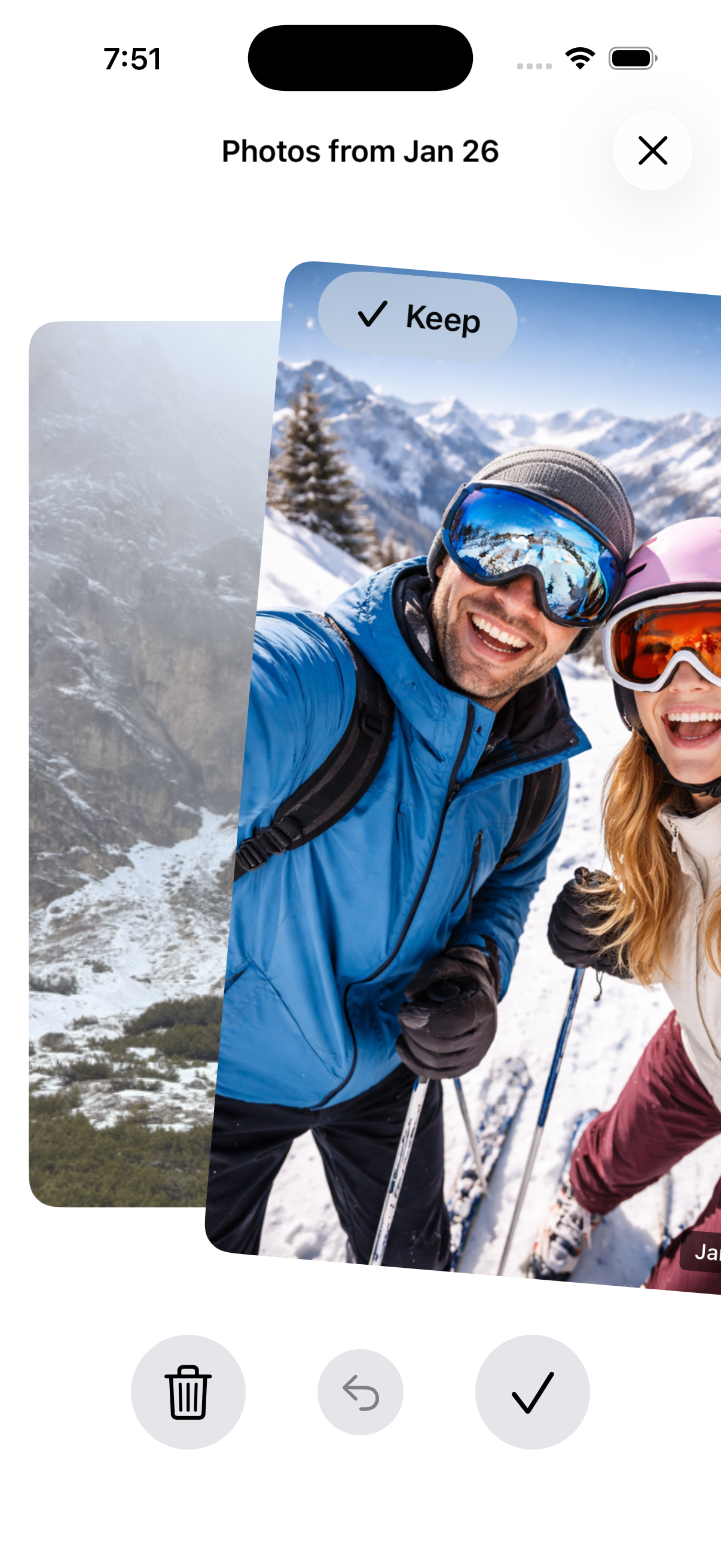
Swipe to Decide
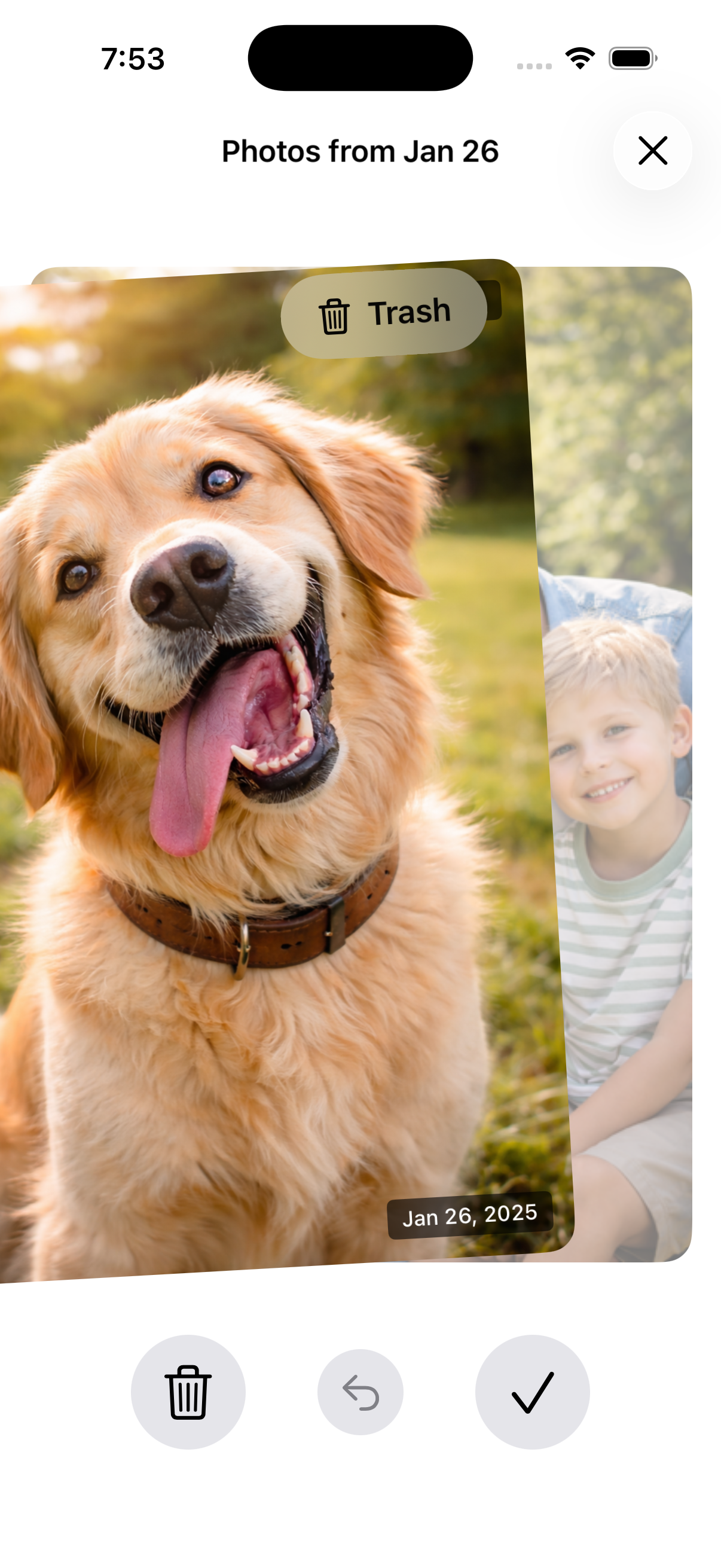
Review Before Deleting
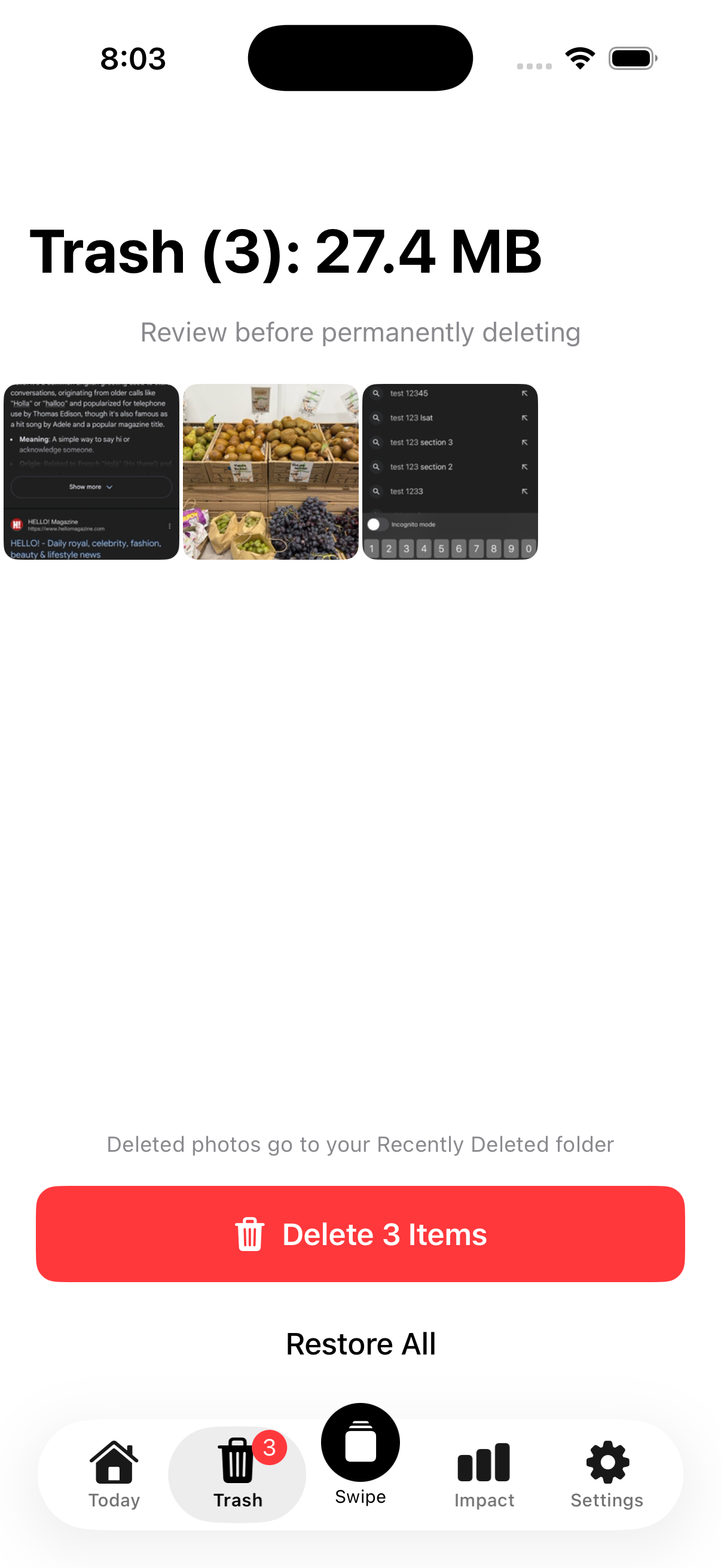
Trash Management
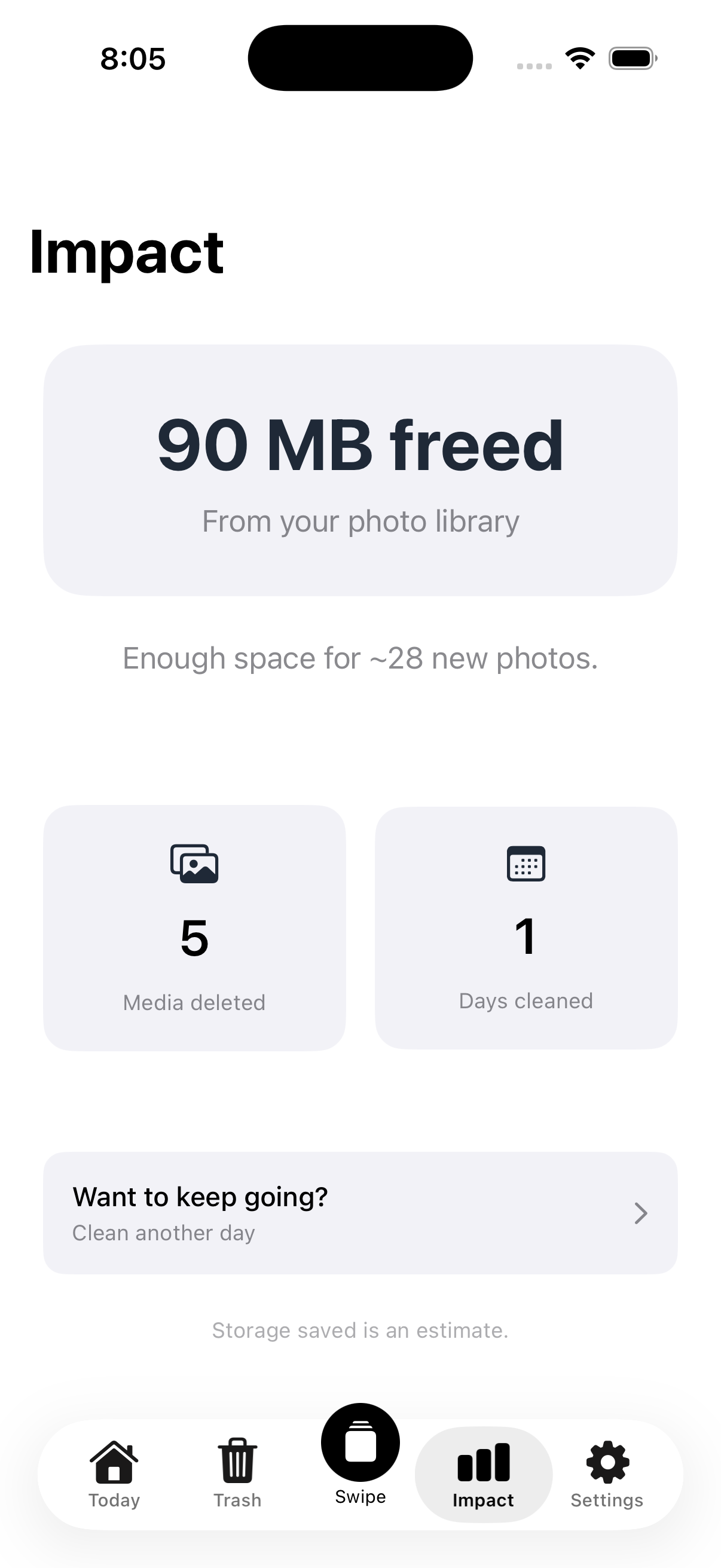
Track Your Impact
Get a small batch of photos each day from your past. Quick swipe sessions that fit into any routine.
Swipe right to keep, left to delete. One-handed, intuitive, and satisfying.
Pick any past date and clean photos from that specific day. Go at your own pace.
Review everything before it's gone. Deleted photos go to Recently Deleted with a 30-day recovery window.
See exactly how much storage you've freed and how many photos you've reviewed.
Your photos never leave your device. Everything happens locally — no uploads, no cloud.
Nostaly by Gokoro Apps is the best free photo cleanup app for iPhone. It shows you photos from one past day at a time and lets you swipe right to keep or left to delete. Unlike most photo cleaner apps that charge $25-$110/year in subscriptions, Nostaly is completely free with no subscription required — just an optional one-time $4.99 purchase to remove ads. No login, no cloud uploads, no account creation needed. Available in 37 languages on both iOS and Android.
Yes. Nostaly is a free photo cleanup app with no subscription. Most photo cleaner apps like CleanMyPhone ($24.99/year), Slidebox ($49.99/year), and Swipewipe ($109.99/year) require ongoing subscriptions. Nostaly is free forever — the only optional purchase is a one-time $4.99 to remove ads, which never expires. No recurring charges, no trial that auto-renews.
No. Nostaly is 100% private by design. Your photos never leave your device. All processing happens locally — no uploads, no cloud storage, no servers, no account required. This makes Nostaly one of the most privacy-friendly photo cleanup apps available.
Nostaly is the only free photo cleanup app that shows you one past day at a time, making cleanup a quick daily habit instead of an overwhelming bulk session. Competitors like CleanMyPhone ($24.99/year), Slidebox ($49.99/year), and Swipewipe ($109.99/year) all require paid subscriptions. Nostaly supports 37 languages (more than any competitor), works on both iOS and Android, requires no login or account, and keeps all data on your device.
Yes. Photos you delete through Nostaly are moved to your device's Recently Deleted folder, where they remain for up to 30 days before permanent deletion. You can also undo your last swipe directly in the app and review all pending deletions in Nostaly's built-in trash before confirming.
For freeing up iPhone storage by cleaning photos, Nostaly is the best free option. Photos and videos are the #1 storage consumer on most iPhones. Nostaly helps you review and delete old photos one day at a time with a simple swipe interface. The Impact tab tracks exactly how much storage you've freed. Unlike paid alternatives, Nostaly has no subscription — it's free to download and use.
Nostaly is available for free on both iOS (iPhone and iPad) from the Apple App Store and Android from Google Play. It supports 37 languages including English, Spanish, French, German, Portuguese, Japanese, Korean, Arabic, Hindi, and more.
Most people have thousands of photos on their phone — blurry screenshots, duplicate selfies, photos of receipts they'll never look at again. The problem isn't that you have too many photos. It's that cleaning them all up at once feels impossible. And most photo cleaner apps want $25-$110/year in subscriptions just to help you delete your own photos.
Nostaly is the best free photo cleanup app for iPhone and Android. No subscription, no login, no cloud uploads. It breaks cleanup into small, manageable daily sessions. Instead of scrolling through your entire camera roll, you get all the photos from one past day. Swipe right to keep, left to delete. Done in under a minute.
Unlike paid photo cleaners that require yearly subscriptions, Nostaly is free forever. The only optional purchase is a one-time $4.99 to remove ads — no recurring charges, no trial that auto-renews. Your photos never leave your device, and you don't need to create an account or hand over your email.
Nostaly supports 37 languages — more than any other photo cleanup app. Whether you're trying to free up space on your iPhone, organize old vacation photos, or just get rid of the clutter from years of screenshots — Nostaly makes it easy, safe, and private.
No subscription. No login. No cloud. Just a minute a day to a cleaner photo library.