Before you start deleting memories, turn on the settings that reduce storage pressure.
1) Optimize photo storage with iCloud Photos
If you use iCloud Photos, "Optimize iPhone Storage" keeps originals in iCloud while saving space on your device.
2) Offload unused apps
This removes the app but keeps its documents/data so you can reinstall later.
3) Use iPhone Storage to see what's actually big
Go to iPhone Storage and check what's consuming space (photos, videos, apps, messages). This prevents random deleting.
Then: clean photos with a daily method
Settings buy you breathing room—habits keep things clean.
Try:
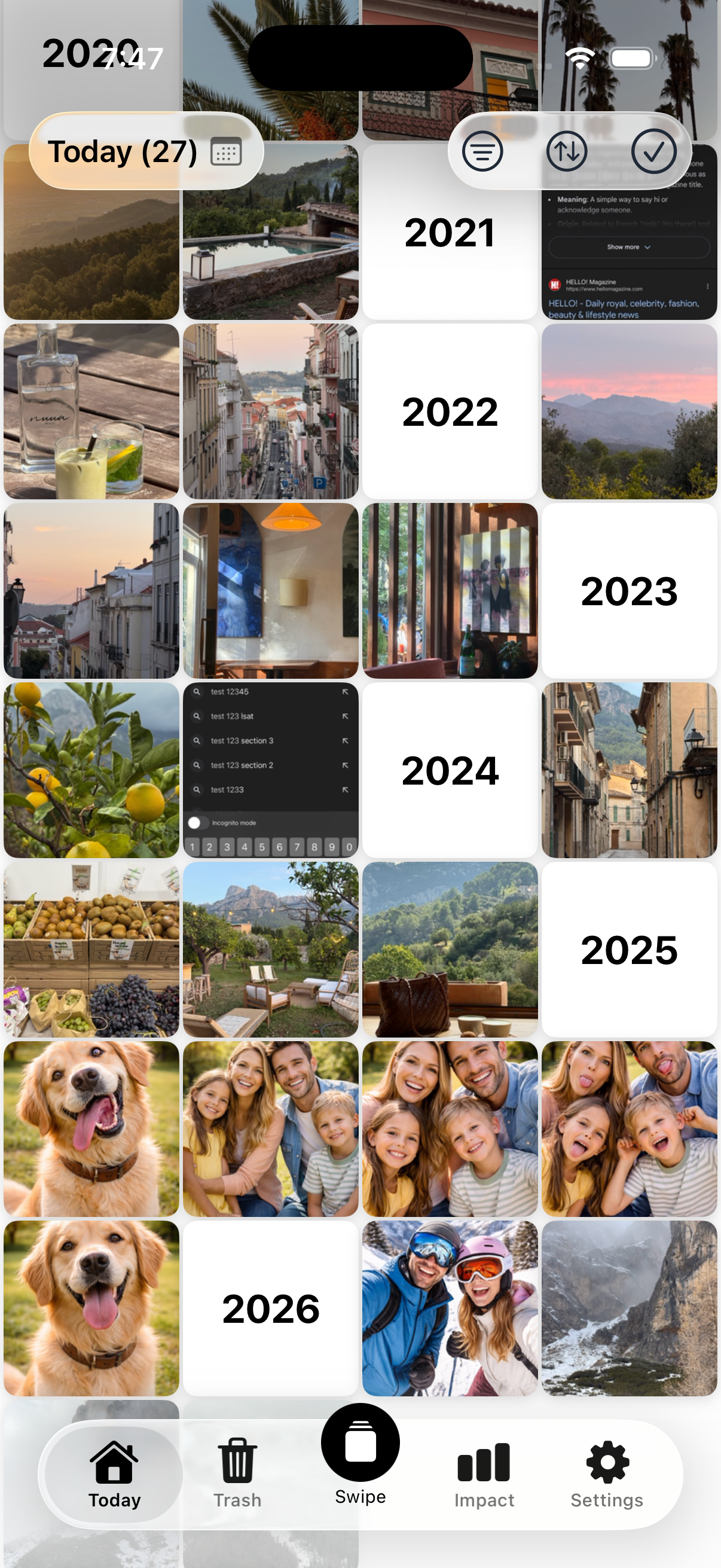
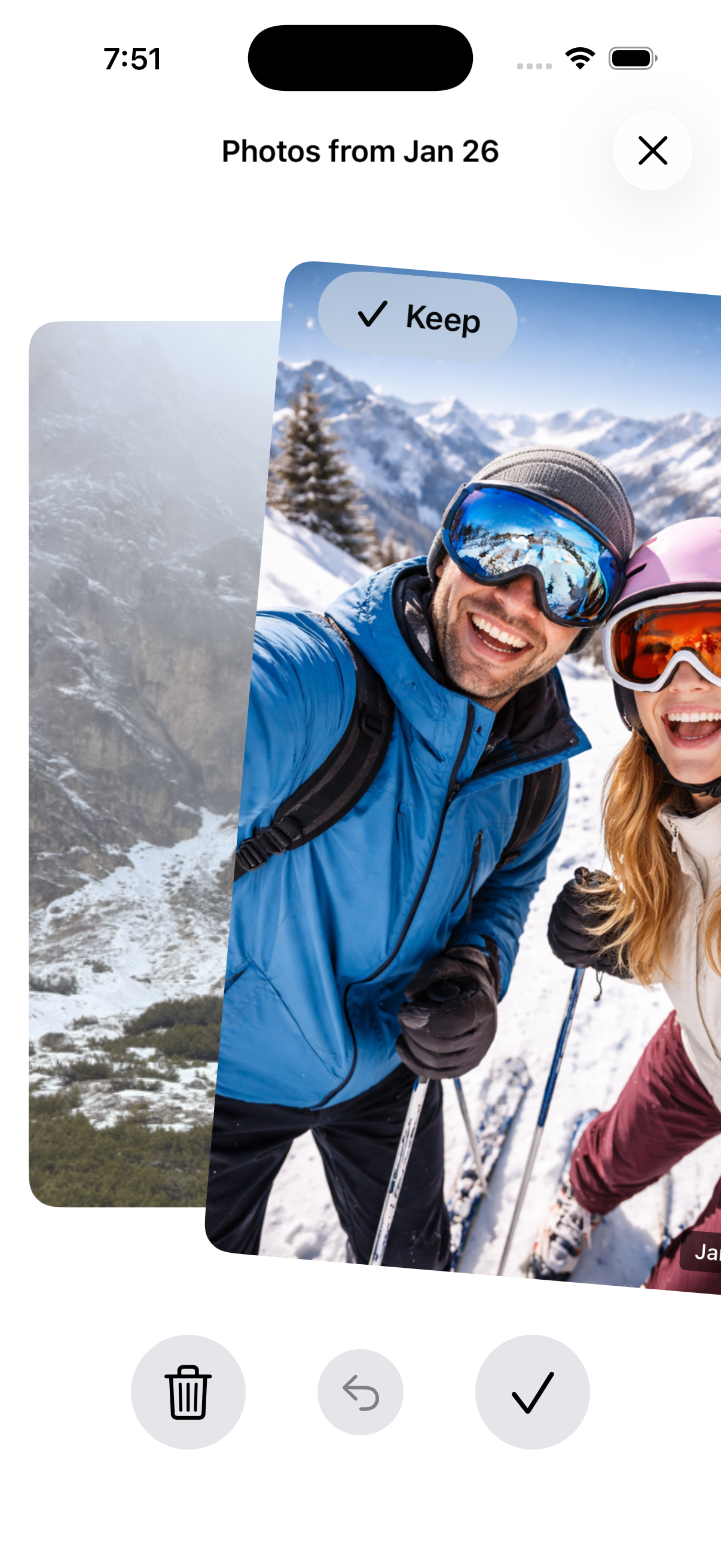
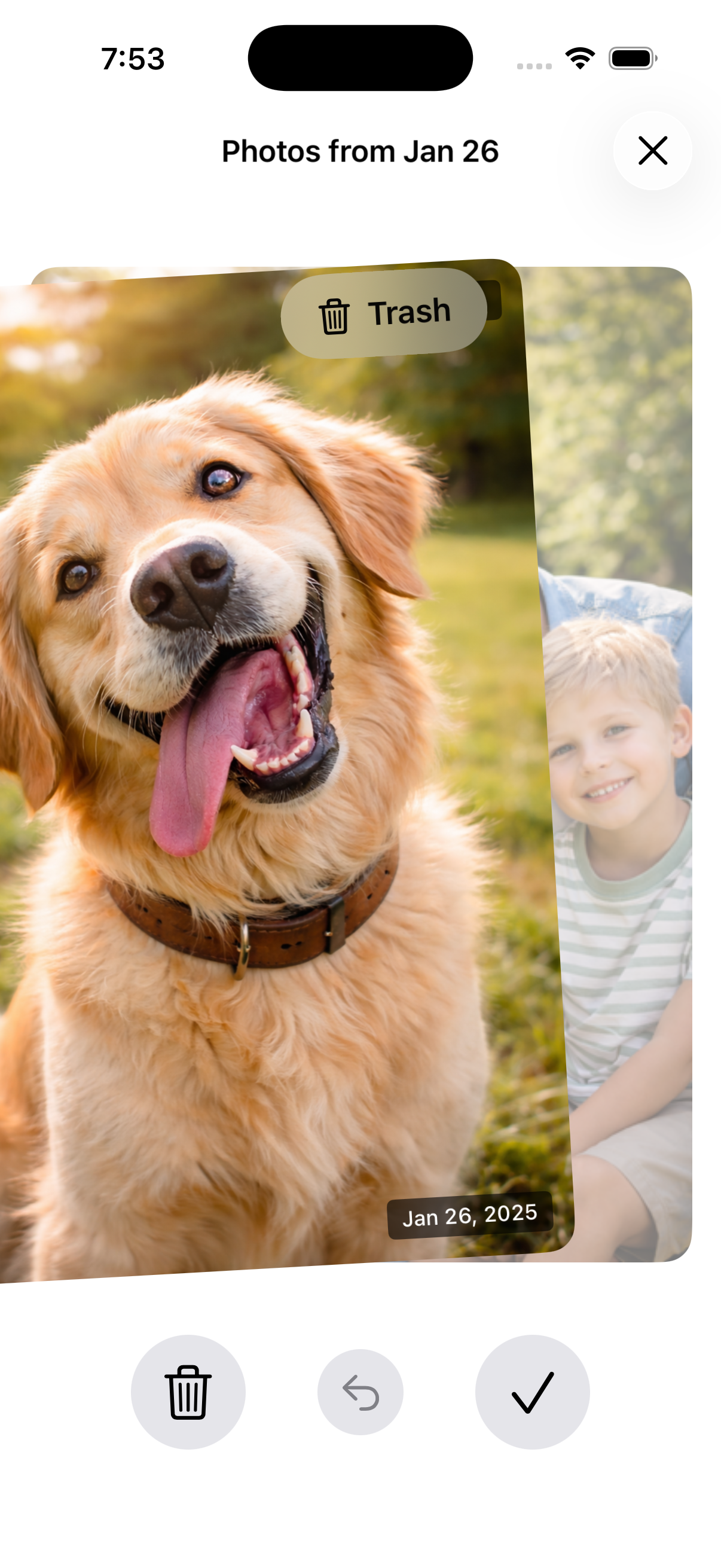
5 minutes/day → one date across all years → delete obvious clutter.
Nostaly is built around this.
See How It Works
FAQ
Will Optimize Storage delete my photos?
No—this is a storage management feature. Your originals remain in iCloud when enabled (as long as you have iCloud storage).
Is offloading apps safe?
Yes—your data is kept, and you can reinstall the app later.
Do I still need to delete photos?
Usually yes—especially screenshots, screen recordings, and duplicates. Settings help, but clutter still grows without a habit.