If you want fast progress without regret, delete in this order:
- Screenshots you no longer need These pile up quietly and rarely matter later.
- Blurry photos and misfires If it's unrecognizable, it's clutter.
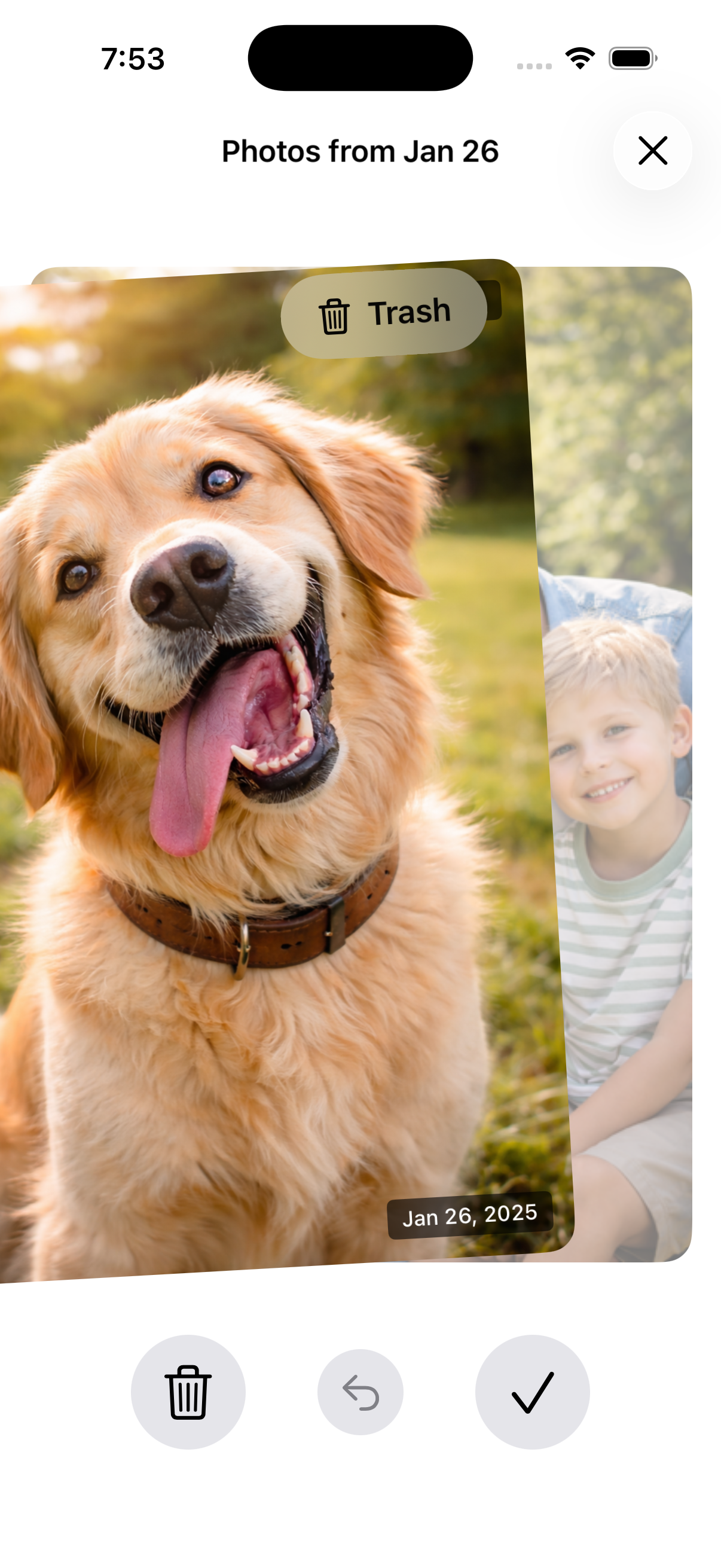
- Duplicate-ish photos Keep the best version. Delete the rest.
- Burst photos Pick 1–3 winners. Delete the remaining 30.
- Long screen recordings These can be huge storage hogs.
The system that keeps this from coming back
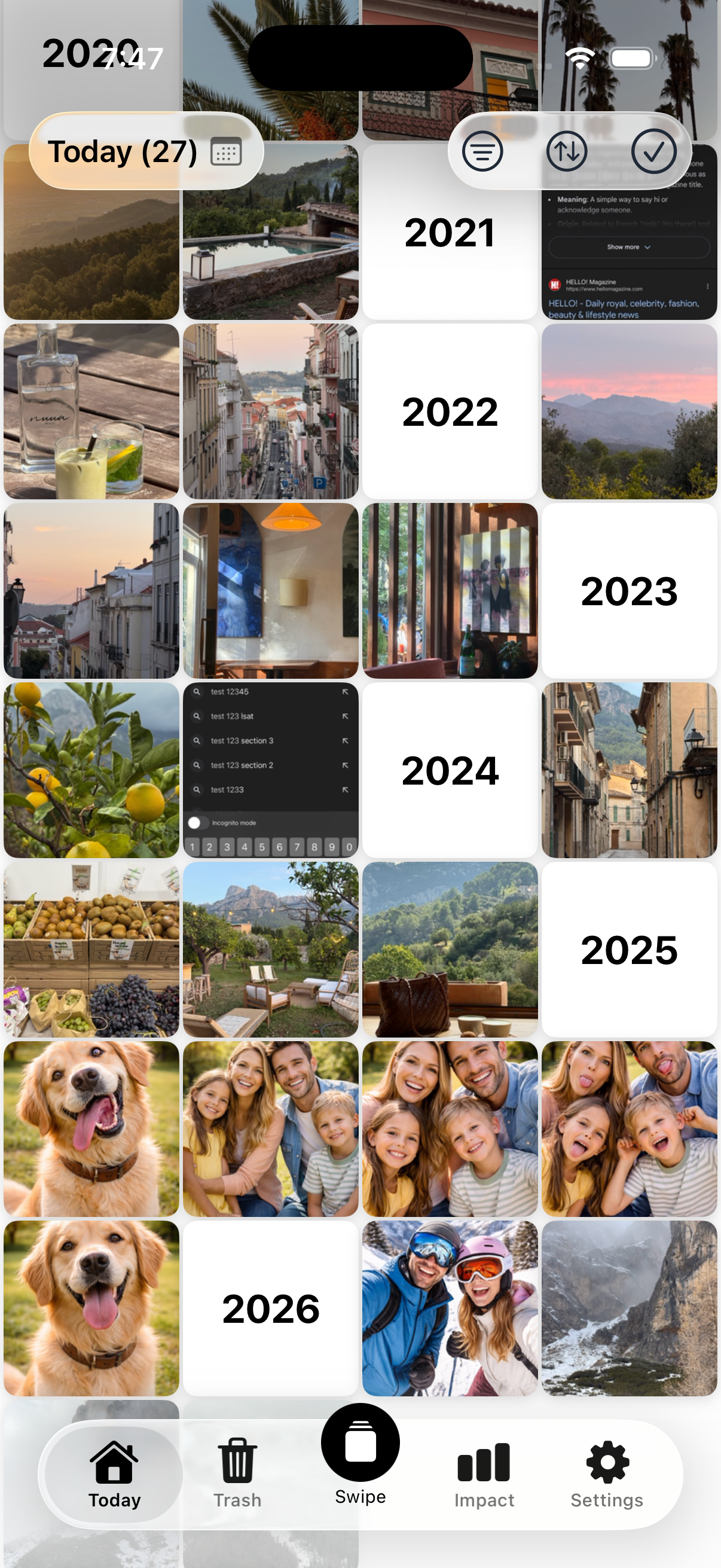
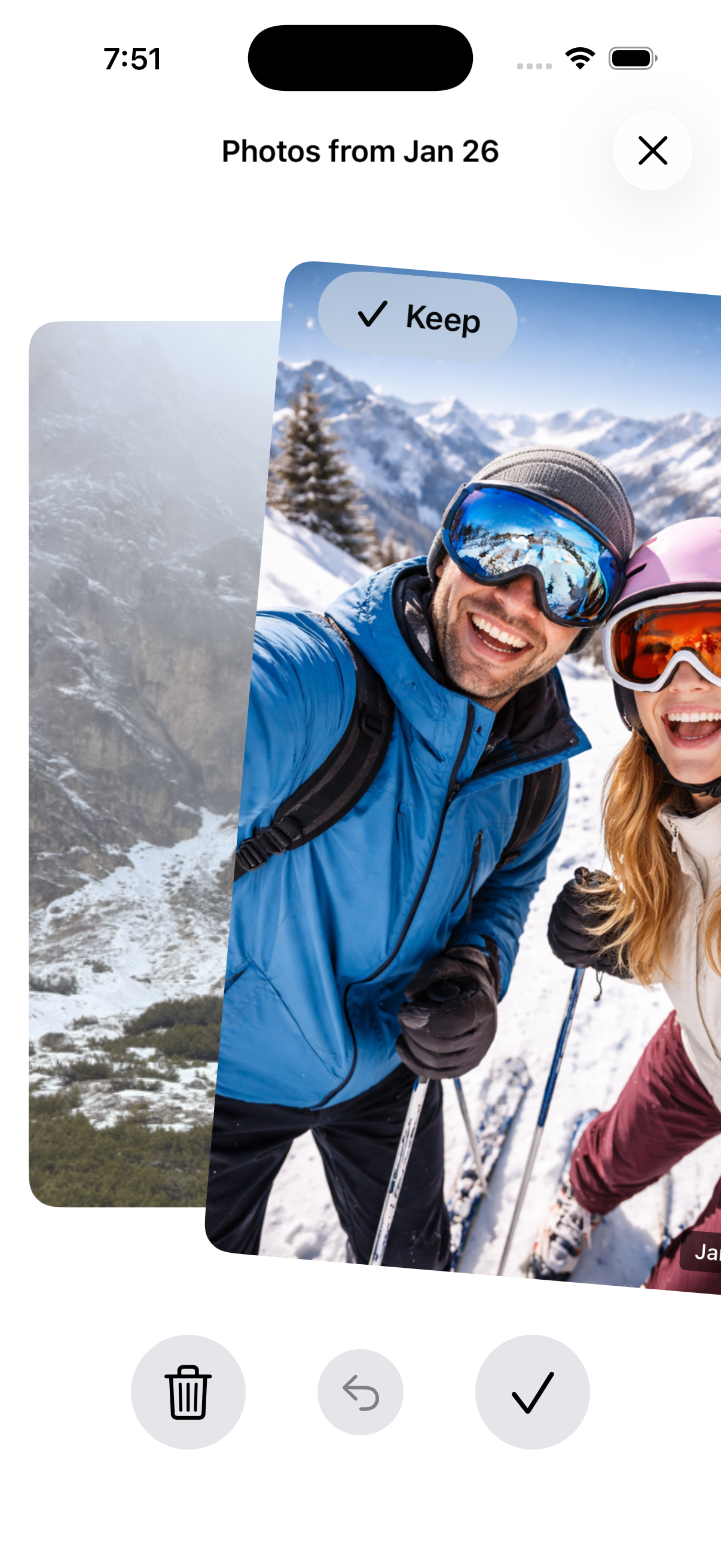
Do 5 minutes/day using a finite batch:
One date across all years → quick wins → stop.
Nostaly is built around that system.
See How It Works
FAQ
What's the safest category to delete?
Old screenshots and blurry shots.
Why do duplicates happen?
Multiple takes, burst mode, and "just in case" behavior. Totally normal.
What if I'm scared to delete?
Back up first, then delete the low-risk categories only.