You don't need perfect folders. You need a system that makes your camera roll feel navigable again.
Step 1: Think in "time," not folders
The most natural way to organize photos is by:
- Year
- Month
- Day
That's how memories actually work.
Step 2: Use date-based cleanup to keep each year tidy
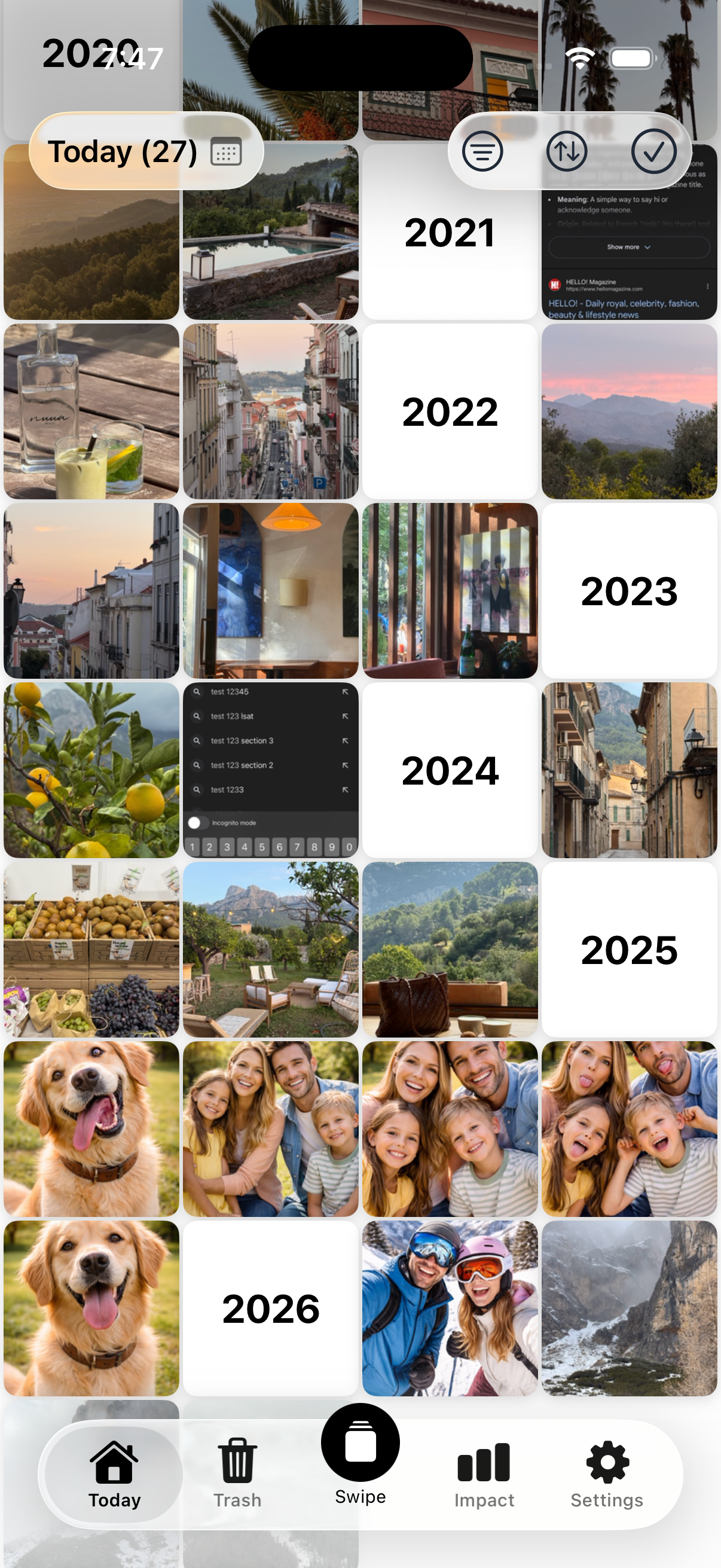
Instead of trying to "fix 2021," use this:
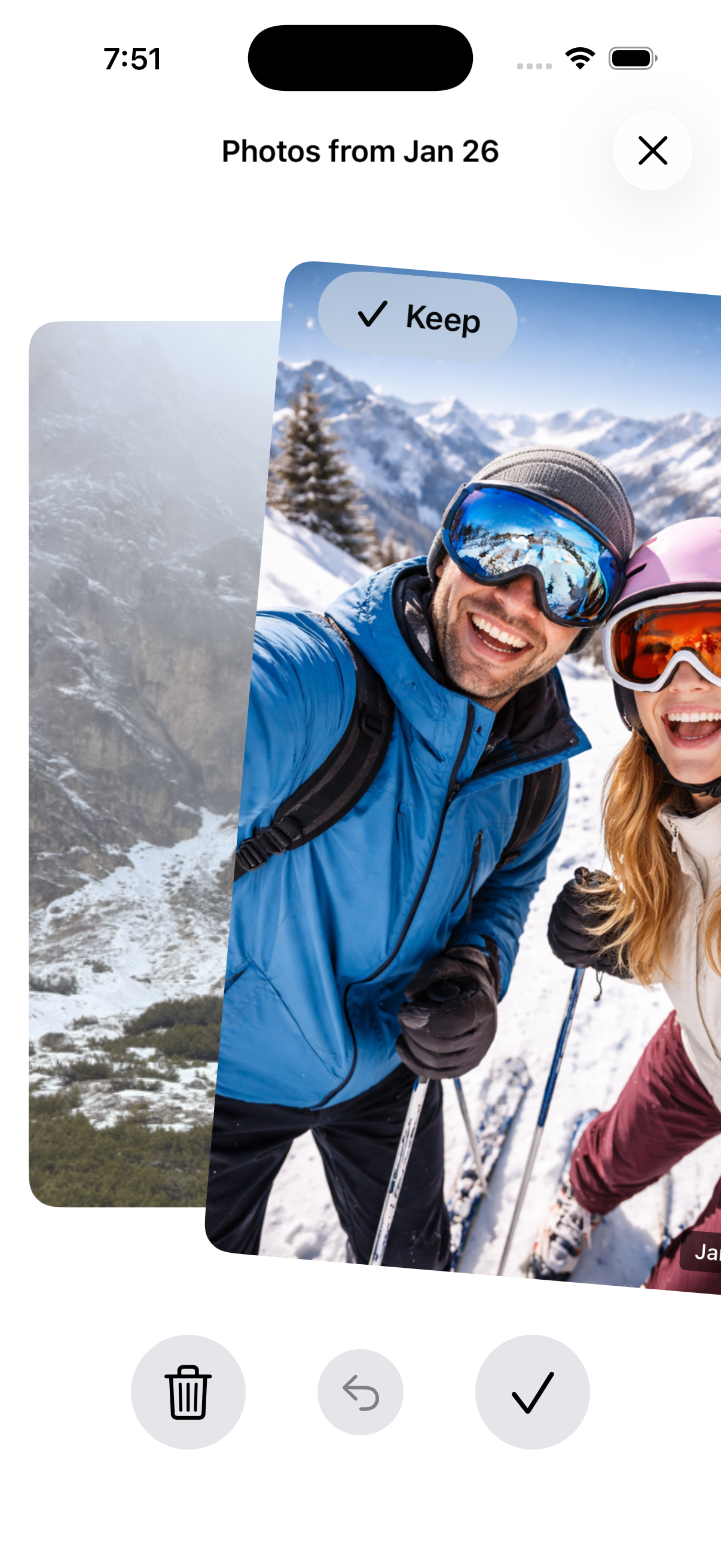
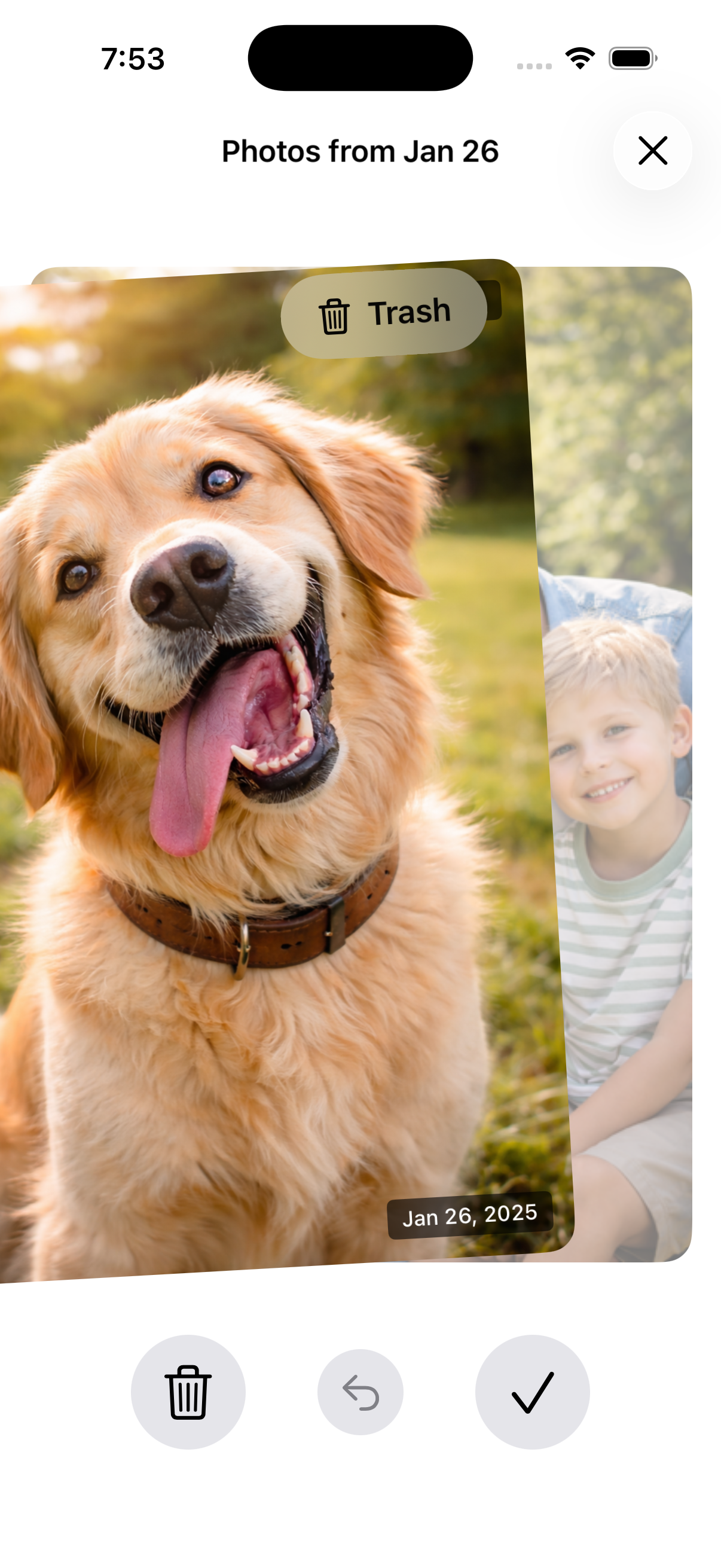
Today's date across all years → delete junk → keep memories.
Over time, every year gets cleaner.
Step 3: Build one "favorites" rule
A simple rule:
- Favorite the best 1–3 photos from meaningful days
- Don't overthink it
Make it easy with Nostaly
Nostaly surfaces your photo history by date so you can steadily declutter year by year, without searching.
See How It Works
FAQ
Should I create albums for every year?
You can, but it's optional. Time-based browsing already exists—what most people need is ongoing cleanup.
What's the fastest way to make older years less chaotic?
Delete obvious clutter in small date batches. Don't attempt a full-year purge.
How do I avoid losing important photos?
Start with low-risk deletes (screenshots, blurry shots) and stop when you're unsure.