Screenshots are the #1 camera roll clutter category for a lot of people because they're "temporary"… until they aren't.
The fix: a 30-second screenshot rule
Once a day, delete:
- Screenshots older than a week (if you don't need them)
- Screenshots you already acted on (tickets, directions, reminders)
The bigger fix: combine screenshot cleanup with a daily photo routine
If you already do a 5-minute photo cleanup, screenshots disappear naturally.
Use a finite batch:
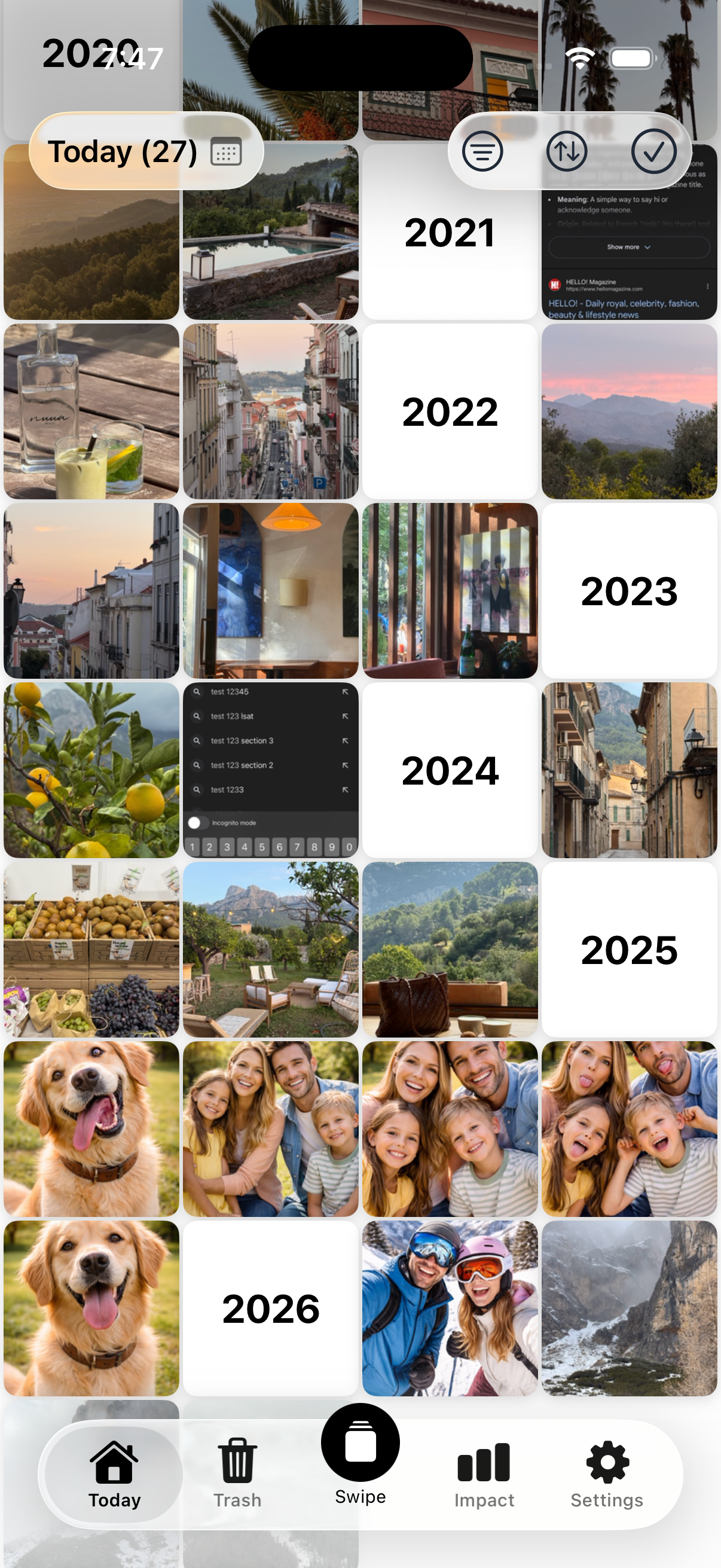
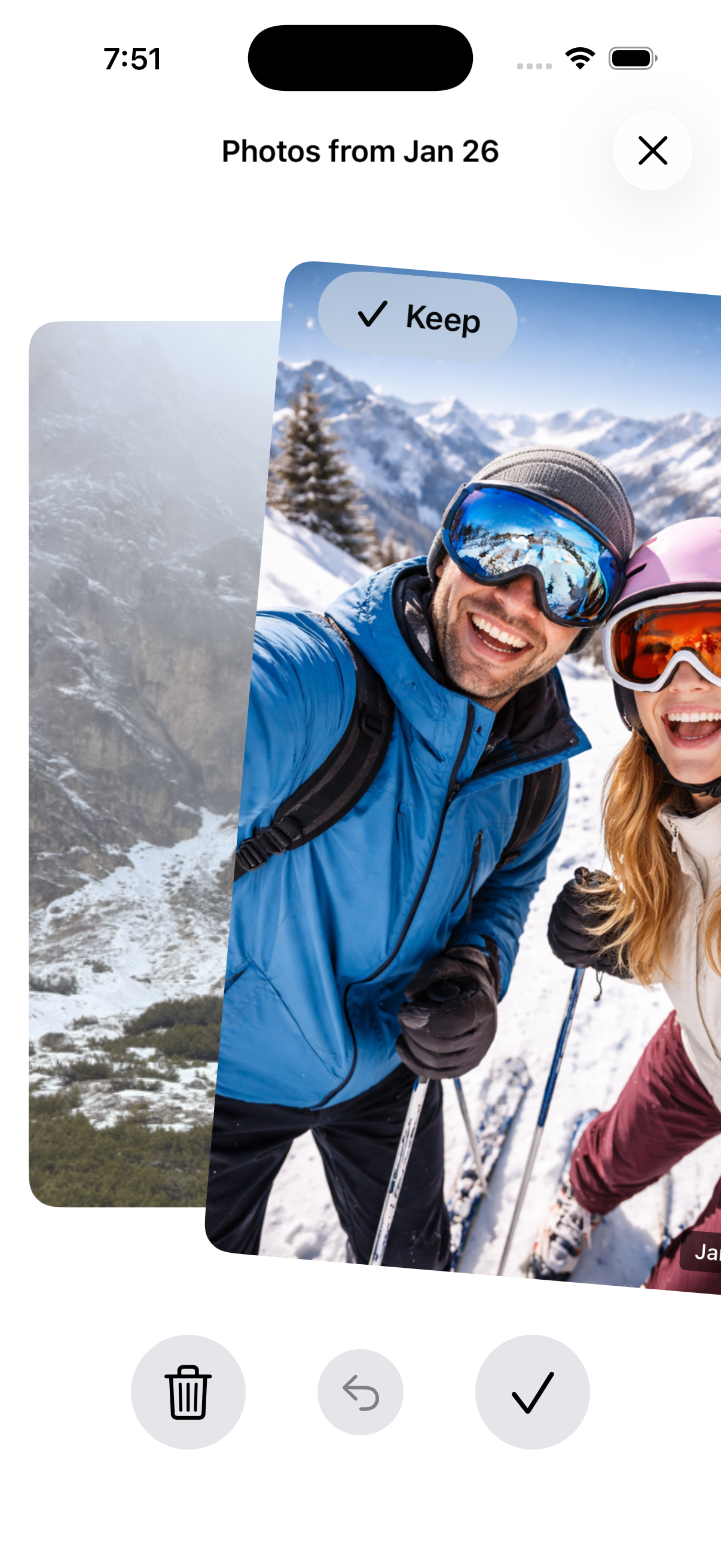
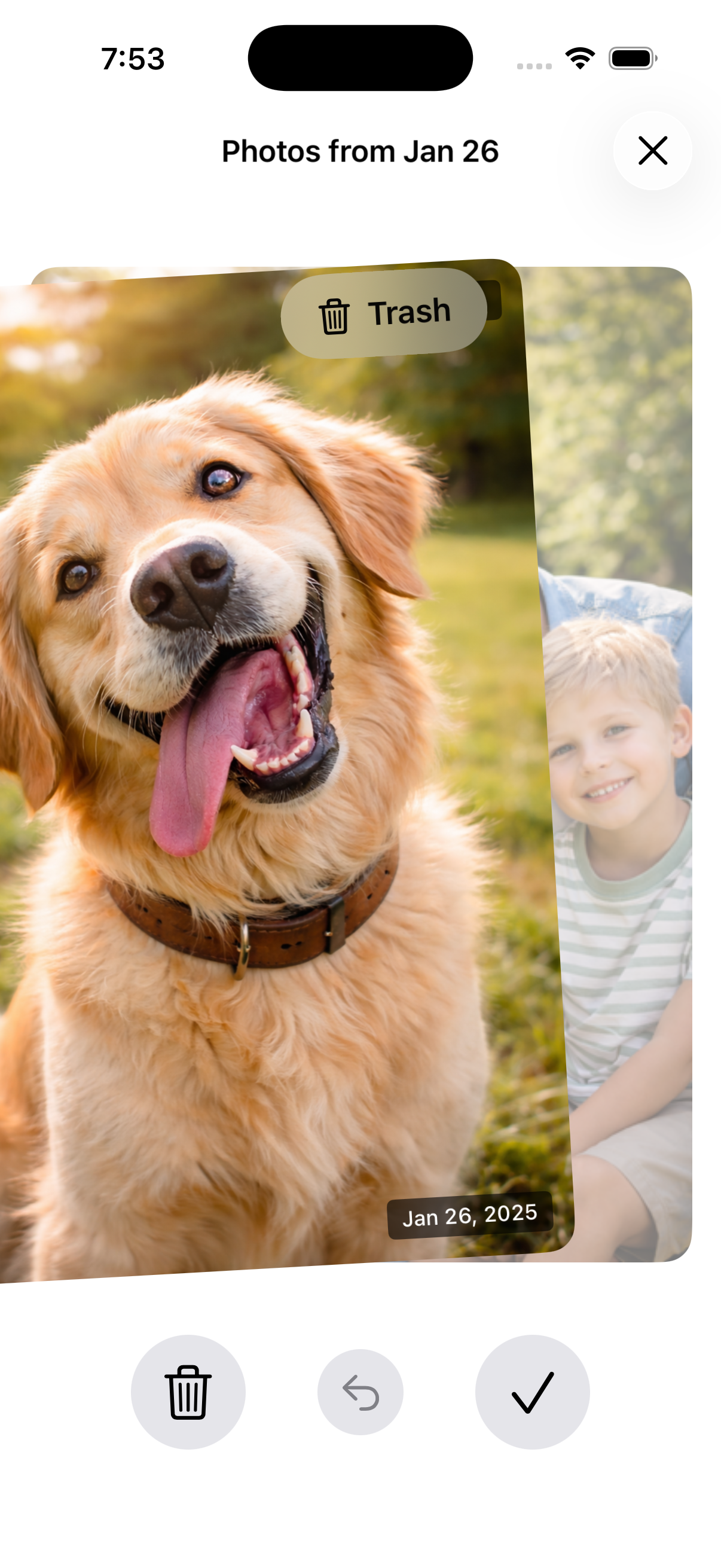
Today's date across years → delete screenshots + junk → done.
Do it faster with Nostaly
Nostaly gives you a small daily batch so screenshots don't quietly accumulate for months.
See How It Works
FAQ
Why do screenshots feel so hard to clean?
They're low-emotion but high-volume, so they become "later." A tiny daily rule fixes that.
Should I keep important screenshots?
Yes—save them somewhere intentional (notes/files) and delete them from Photos.
How often should I clean screenshots?
Daily (30 seconds) or weekly (5 minutes). Pick the one you'll actually repeat.